How it works
Browse tools for buy or hire, submit a hire request with location and dates, wait for approval, then track requests and confirmed orders.
-
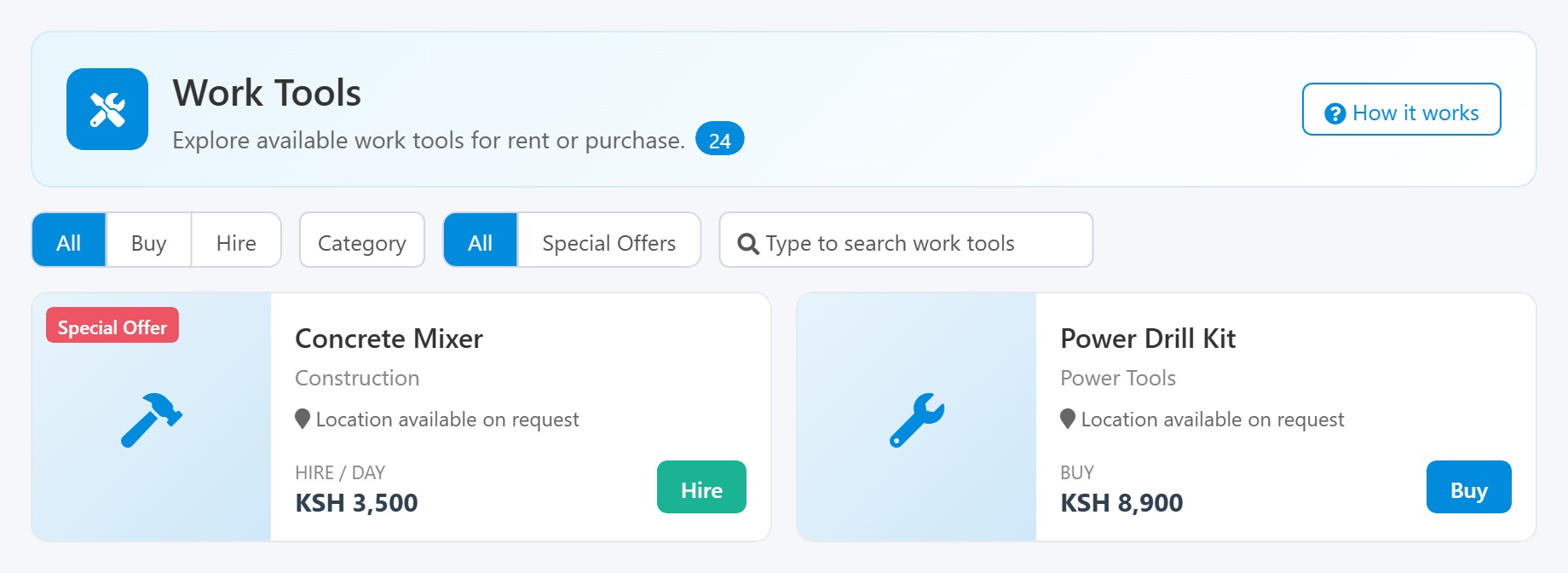 Browse
- Open Work Tools to see tools available to buy or hire.
- Filter by All, Buy, or Hire, plus category and special offers.
- Search by name, then scan prices and Hire or Buy on each card.
-
 Request
- Click Hire on a tool card (sign in if you are a guest).
- In the Hire Tool form, set location type, map pin, dates, and quantity.
- Click Submit Request to send the hire enquiry.
-
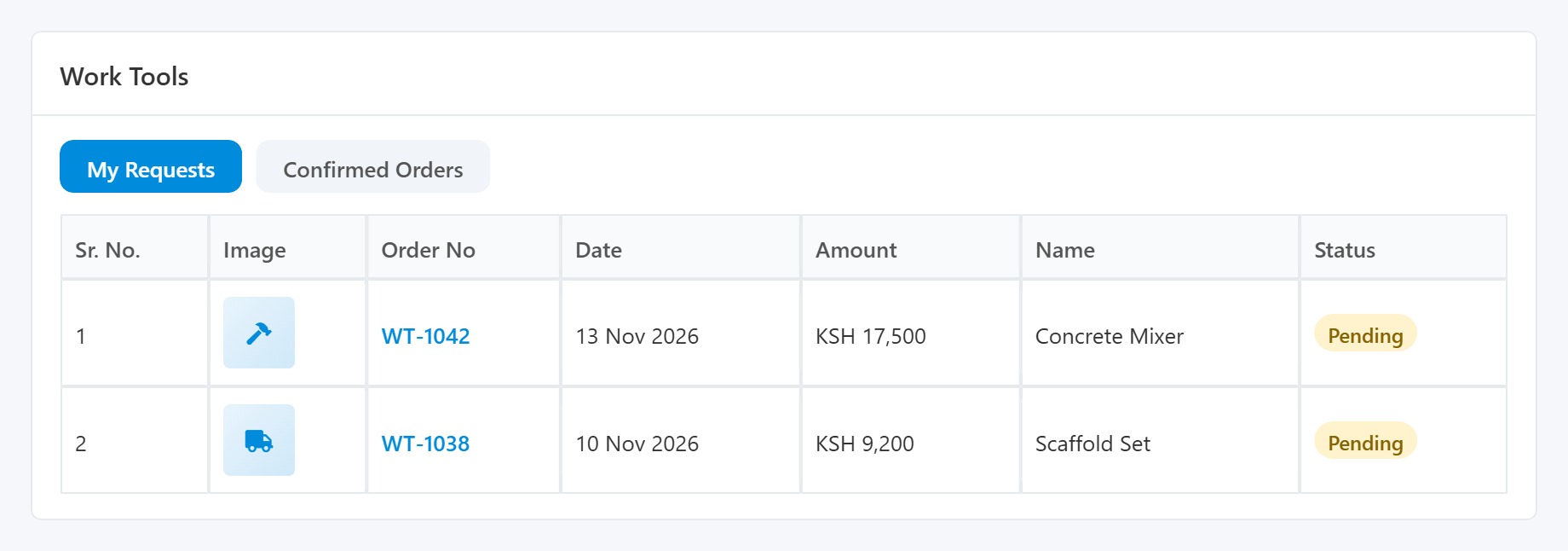 Approval
- Submitted requests stay Pending until the tool provider reviews them.
- Open My Requests under Work Tools to check status.
- You are notified when a request is accepted or updated.
-
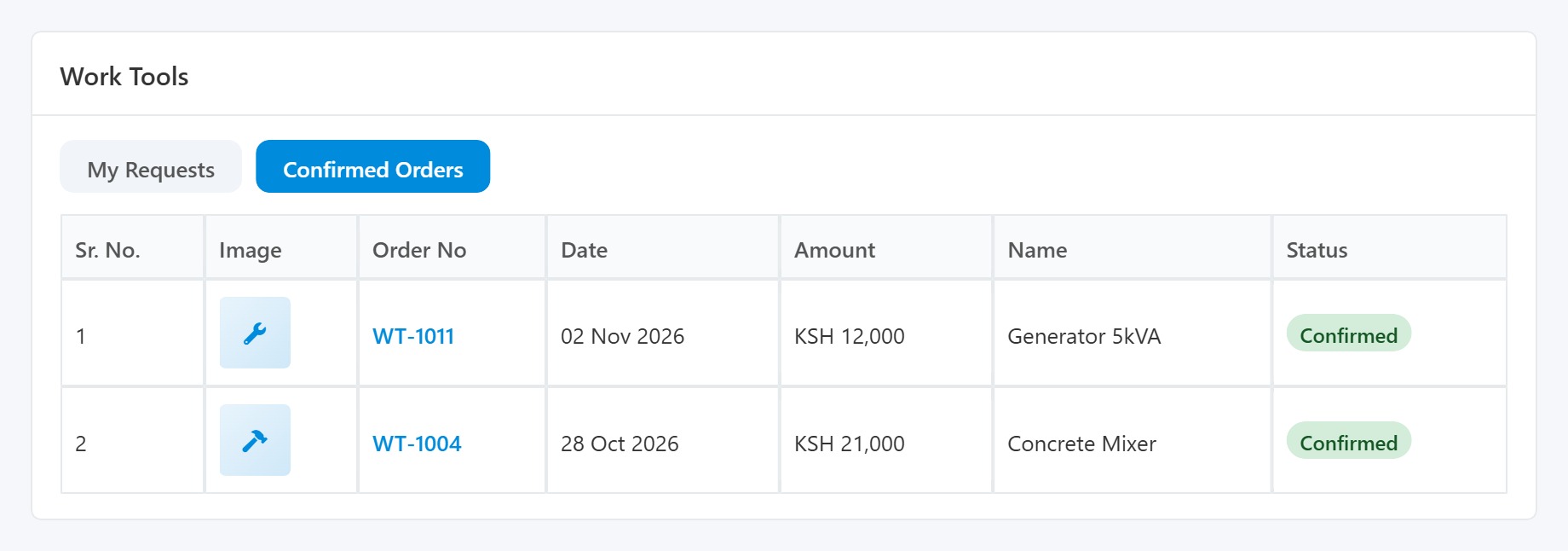 Manage
- Use My Requests to open order details and follow pending items.
- Switch to Confirmed Orders for approved hire deals.
- Use Buy on a card when you prefer purchase over hire.
You must be logged in to hire a tool. Guests are prompted to sign in before the Hire Tool form opens.