How it works
Use Service Groups and Networking Groups to join communities, chat, submit reports, and open partner links. Follow the steps below.
-
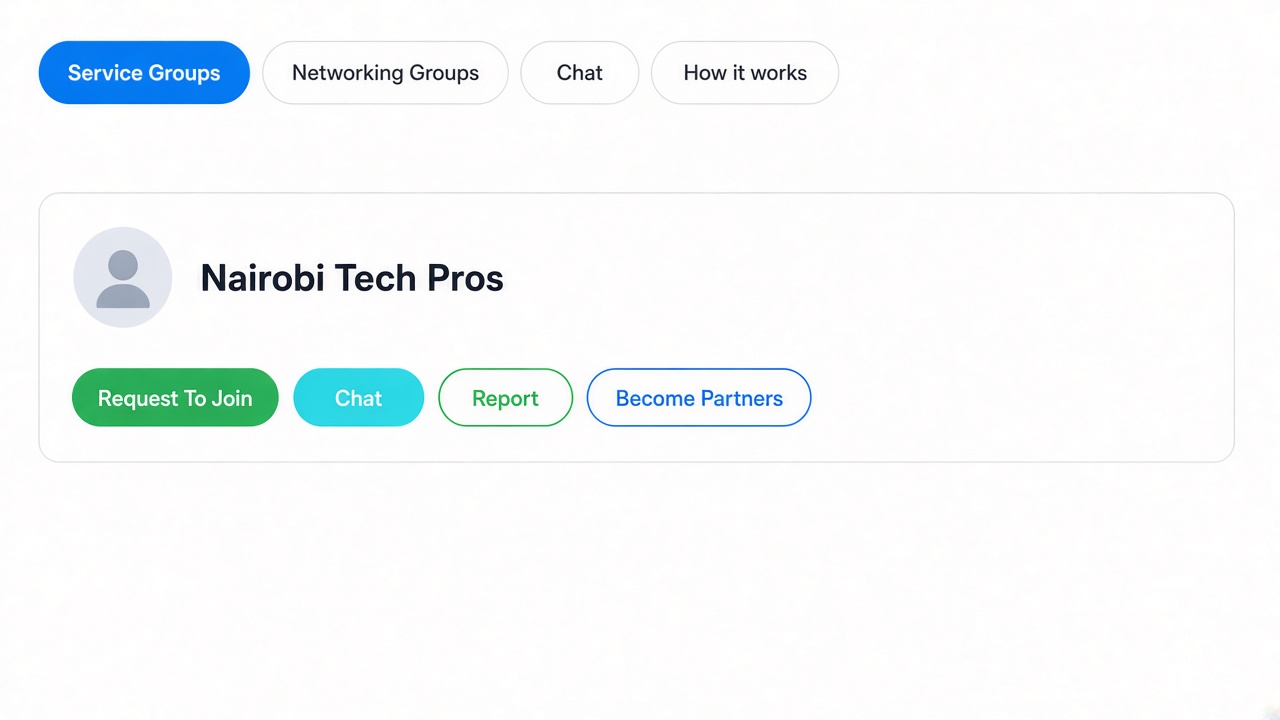 Browse or create
- Open Service Groups or Networking Groups to browse communities.
- Use Create Group to start your own group.
- Find groups that match your services and location.
-
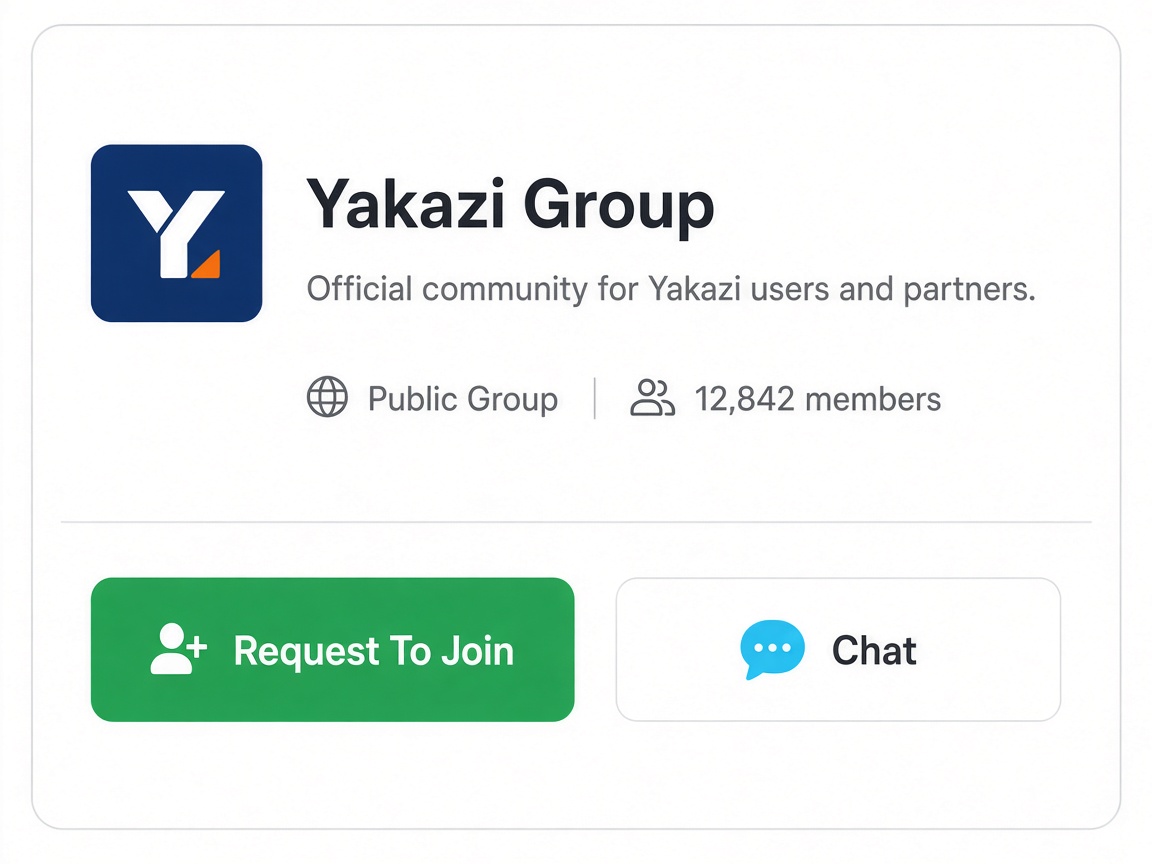 Join
- Public groups: tap Request To Join.
- Private groups: join by invite only.
- Owner/admin must admit you before you can chat.
-
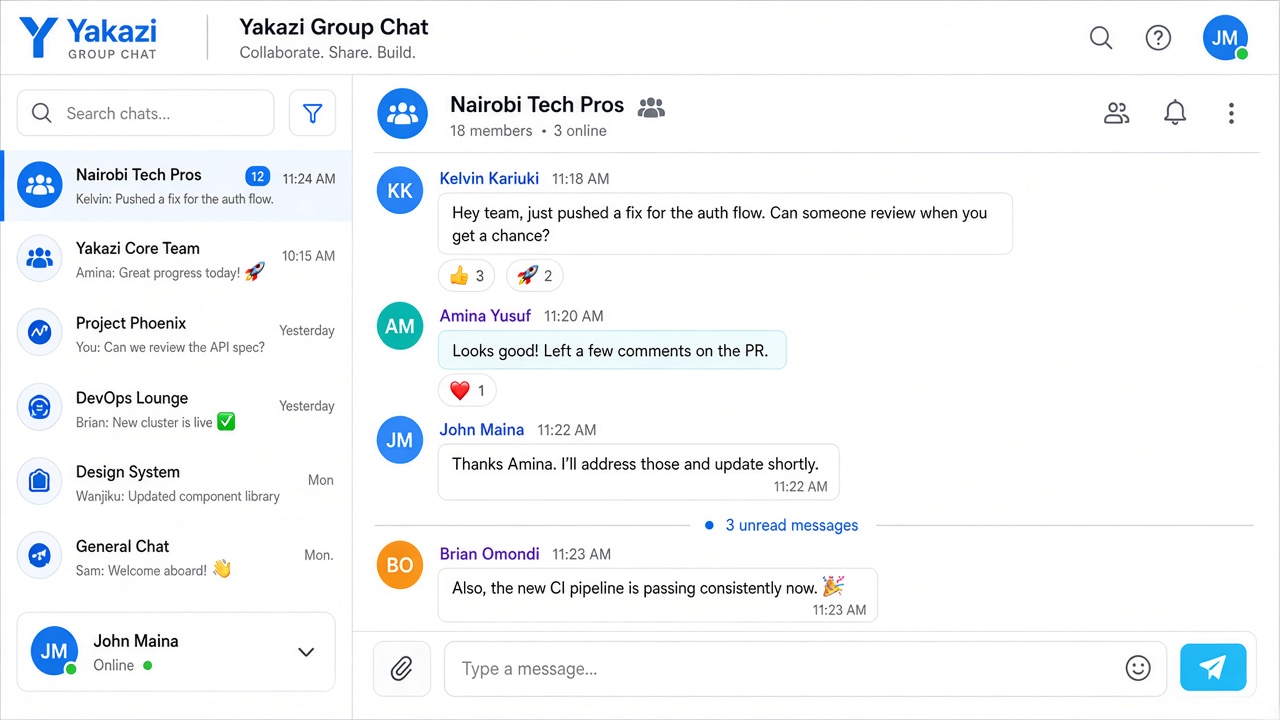 Chat
- Become an active member after you are admitted.
- Open Chat from the group card or the Chat tab.
- Message the group and stay updated with members.
-
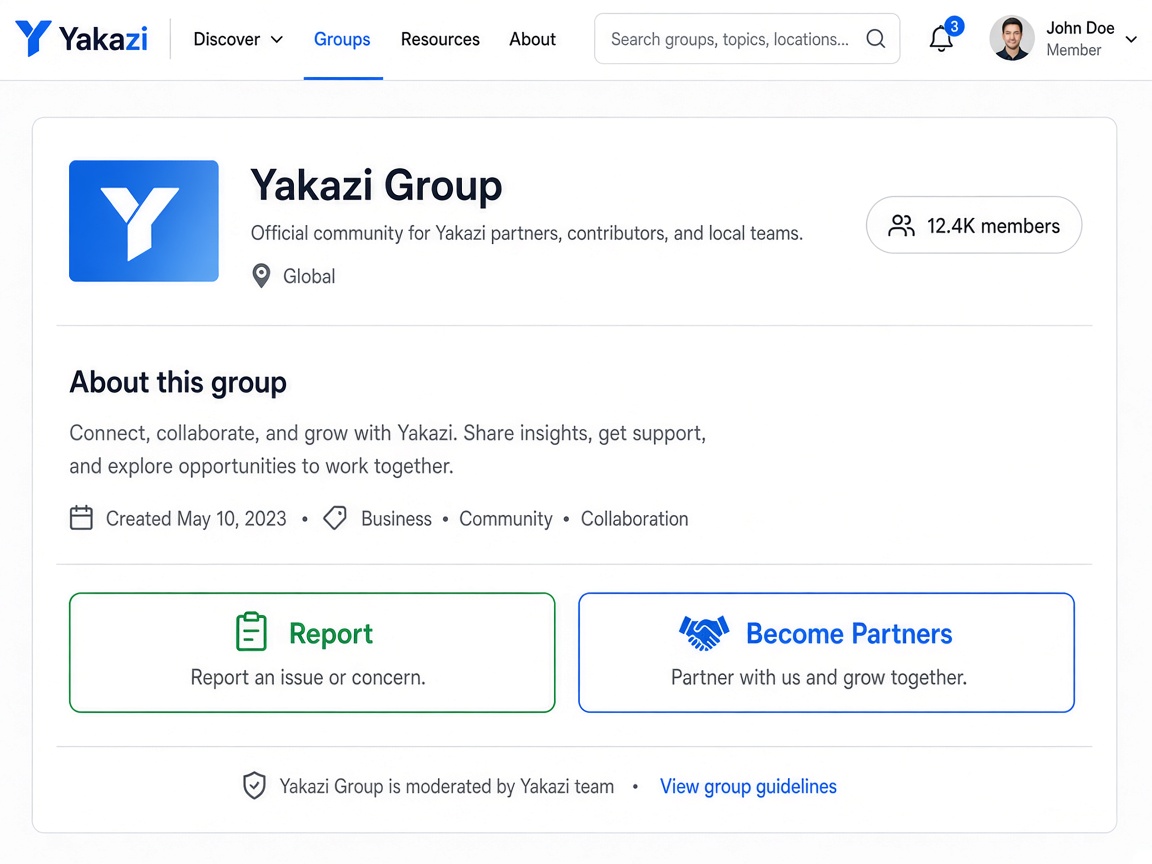 Report
- Available for owners and group admins.
- Group must have a report form configured.
- Submit the Group Daily Report from the list or chat.
-
Become Partners
- Shown when the group has partner links.
- Open Become Partners from the group card.
- Follow a partner link to continue on their site.
Owners manage members, admins, and group settings from Create/Update Group.