How it works
Browse your network tabs, invite professionals, accept or decline requests, then manage connected profiles and chat.
-
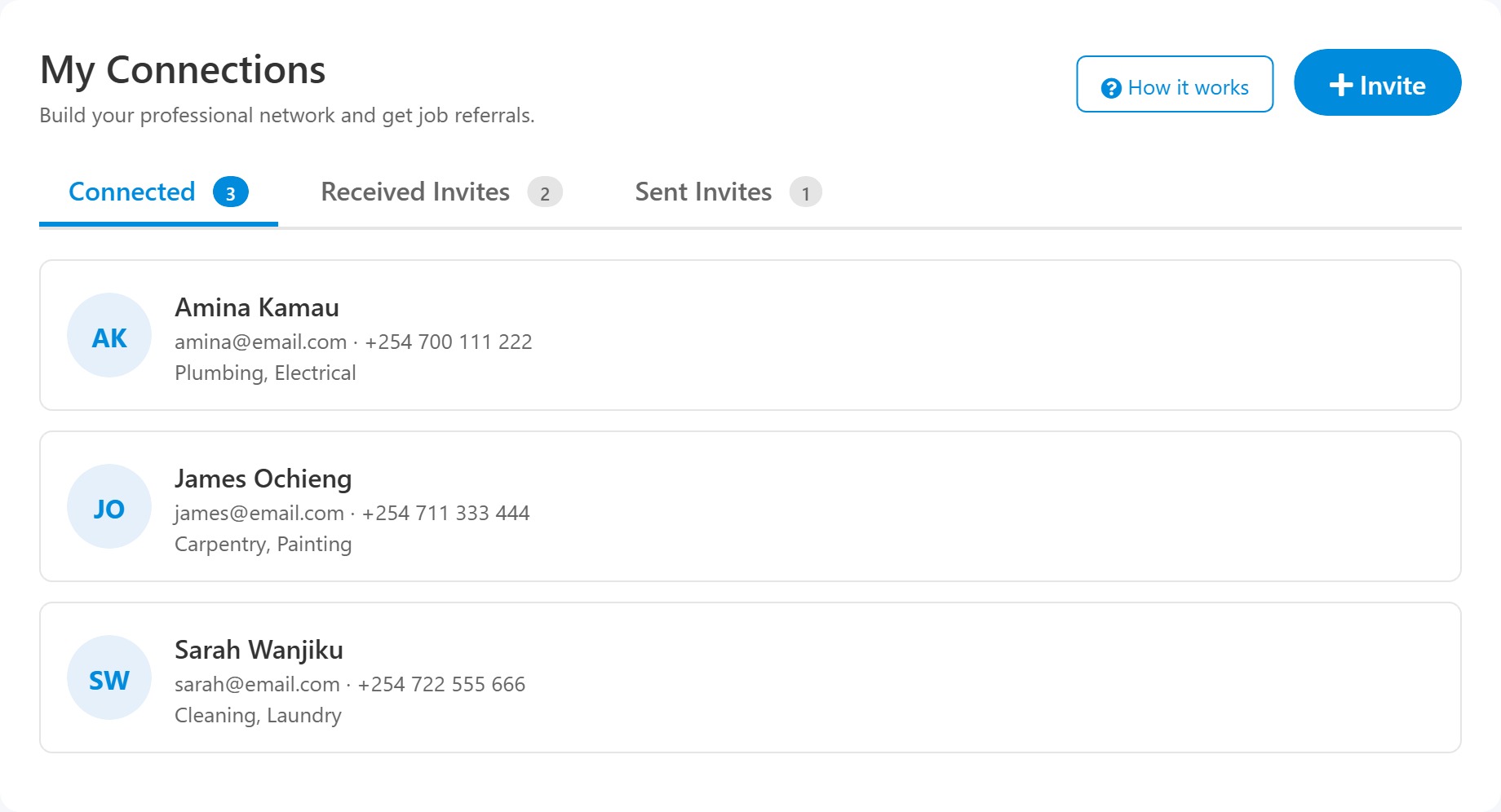 Browse
- Open My Connections to see your network in one place.
- Use tabs Connected, Received Invites, and Sent Invites.
- Scan the count badges to know what needs attention.
-
 Request
- Click Invite to add professionals to your network.
- Pick from Contacts or WhatsApp, or enter name and phone.
- Send the invitation so they can join and refer jobs to you.
-
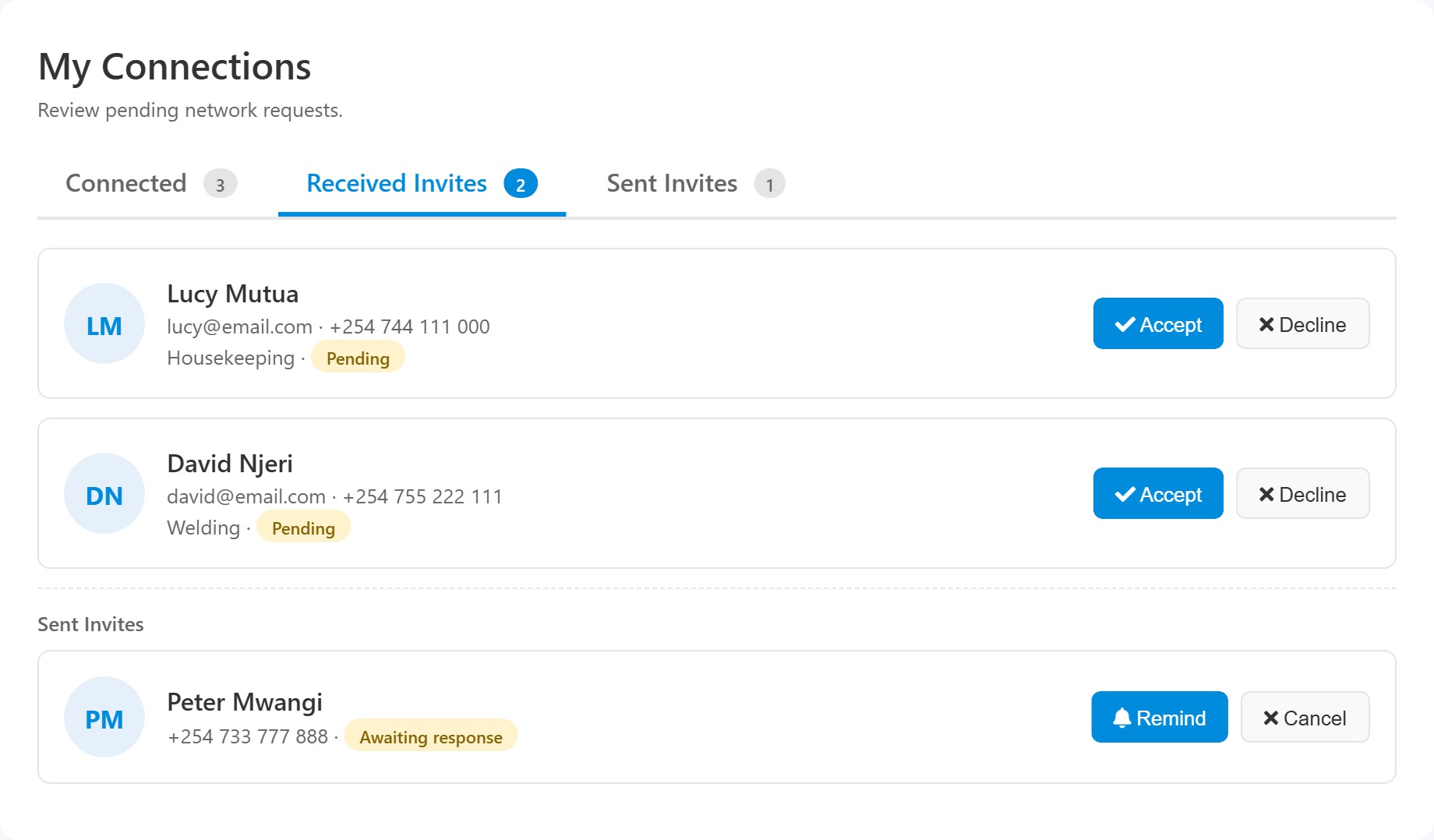 Approval
- Open Received Invites and Accept or Decline each request.
- On Sent Invites, use Remind or Cancel while pending.
- Accepted people move into your Connected list.
-
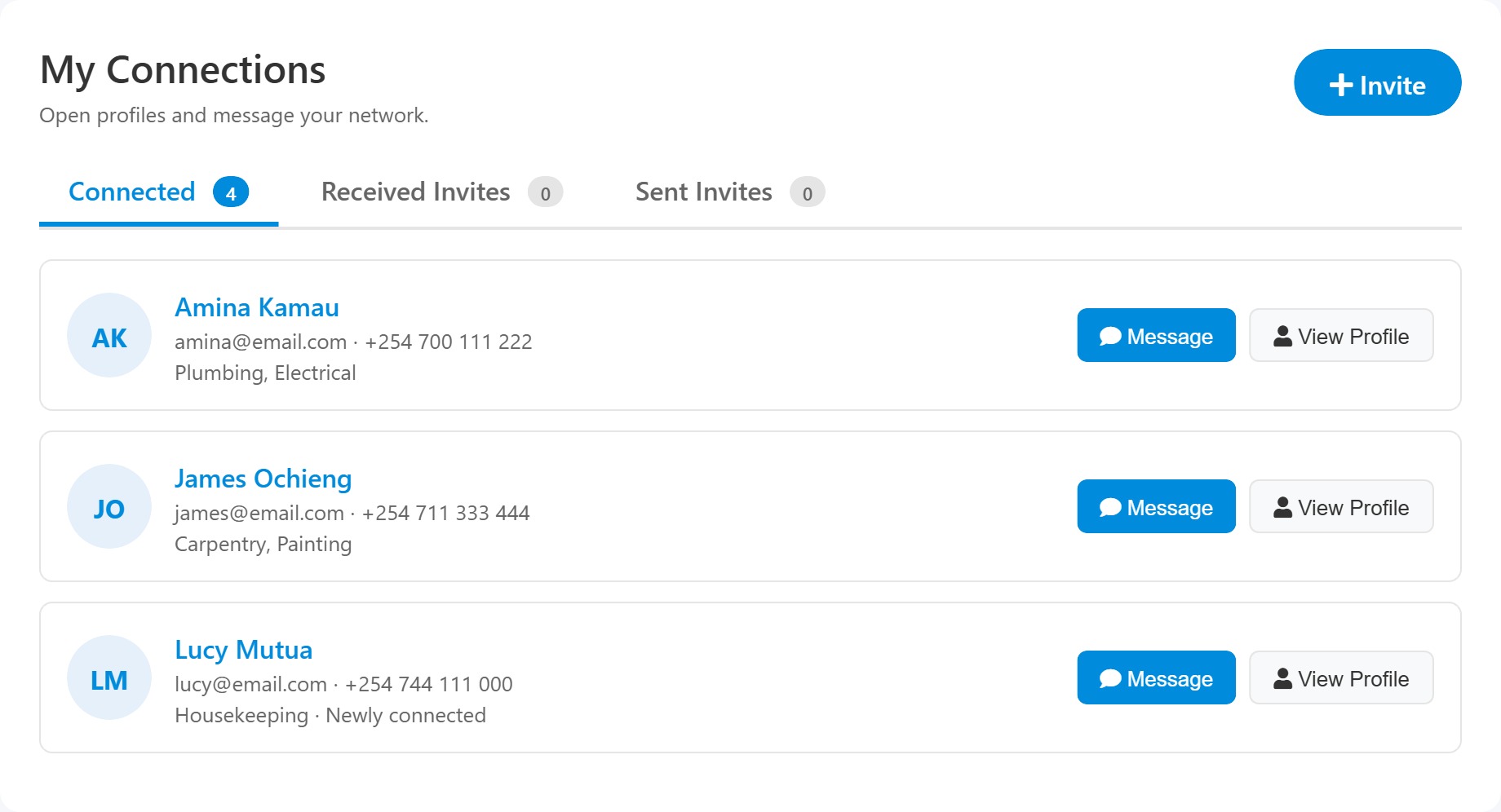 Manage
- Open a connection profile from the Connected tab.
- Message people through Network chat when you need to coordinate.
- Keep invite counts current as you accept, decline, or cancel.
Invite other professionals so they can refer jobs to you once the connection is accepted.